Inbox for replies, bounces and unsubscribes
Inbox is now available to everyone. Connect the incoming mailbox of an account that sends through your own mail server or SMTP2Go, and Groupmail shows replies to your Groupmail emails in one place.
- For accounts on your own mail server, Groupmail adds matching permanent bounces and “Unsubscribe” requests to your suppression list, and you can undo each one from Inbox.
- For SMTP2Go accounts, connecting adds replies; SMTP2Go still handles bounces and unsubscribes.
- Groupmail only reads the mailbox. It never marks, moves or deletes your mail, and it starts checking from the moment you connect.
- Gmail and Microsoft mailboxes can’t be checked. Sending from those accounts is unchanged.
A smoother move from GroupMail 6
GroupMail 6 mailbox settings (Subscriber, or a sending account’s incoming mailbox) connect to Inbox when a Groupmail 7 account sends from that address. If you imported before this update, Groupmail tries to connect them after upgrading; if a mailbox isn’t connected, connect it from Inbox. There’s no need to import again. Subscriber rules and automatic responses stay in GroupMail 6.
Safer backups and clearer import counts
- A backup copies your workspace as it was at one moment, and restore refuses a workspace that is no longer empty.
- A partly completed CSV import updates the group’s contact count.
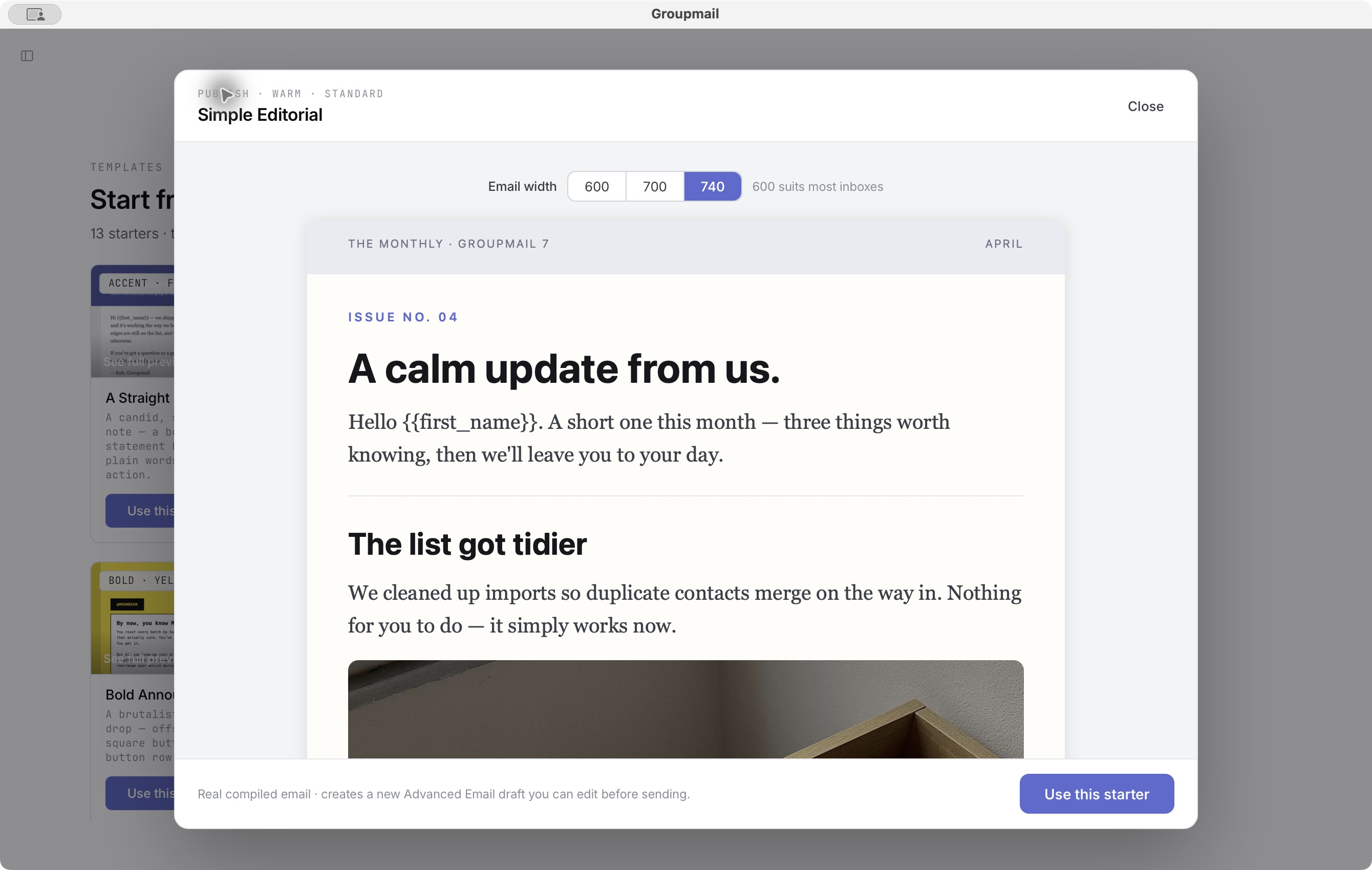
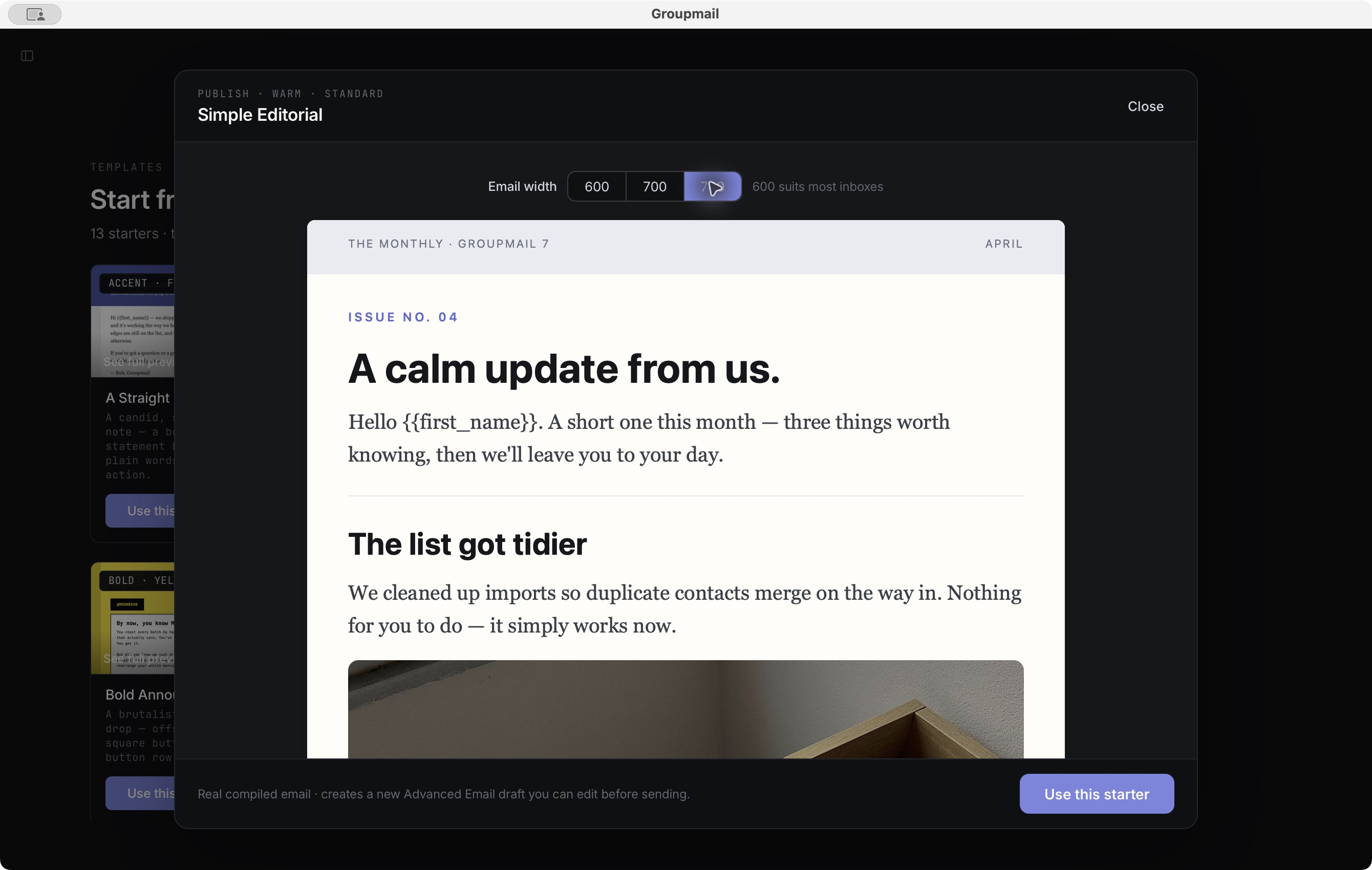
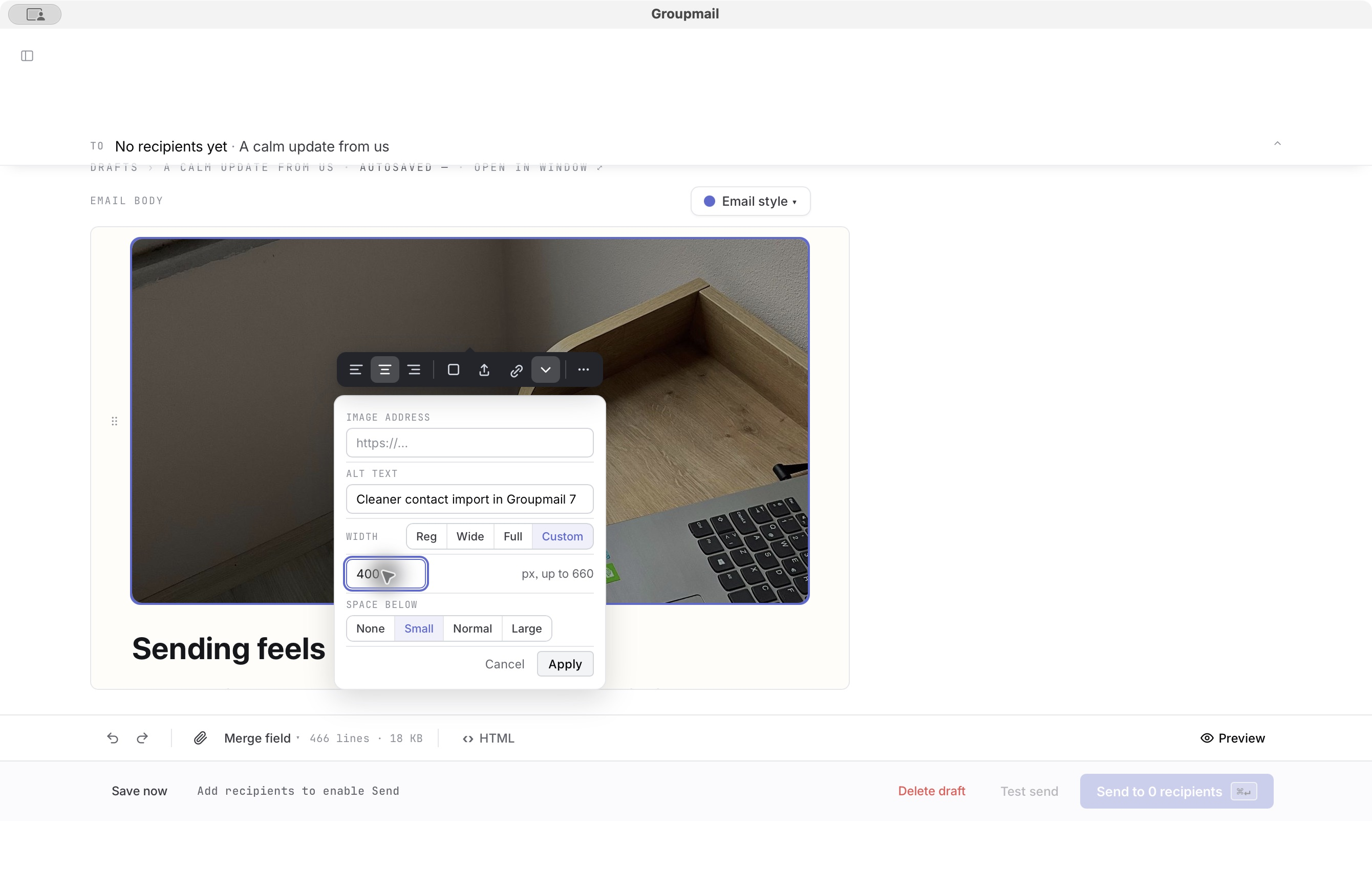
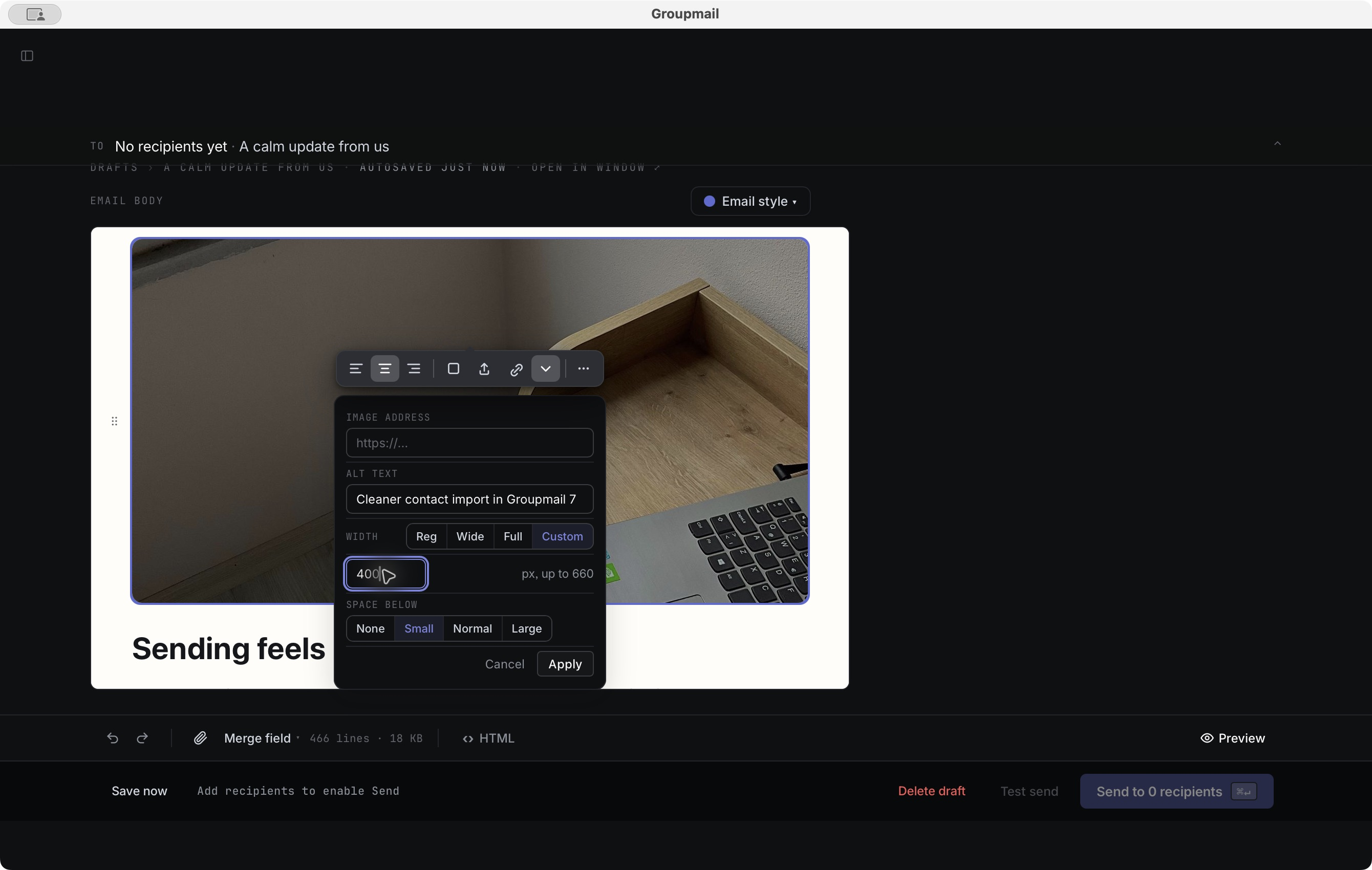
- Pictures stored in an email display in more previews.
Backup compatibility: the workspace schema is still v68, so a backup made by 0.22.0 can be restored in 0.23.0. Backups made by 0.21.0 or earlier still cannot be restored.